
FOR GATED COMMUNITIES
Bring neighbourhood life and visitor entry together.
A landed community runs on two things happening well: residents staying informed, and guests getting through the gate smoothly. PropKita connects the app your residents use with the guardhouse equipment your security team relies on.
For residents. For the guardhouse. For the gate itself.
A GUEST VISIT
Two steps.
One shared record.
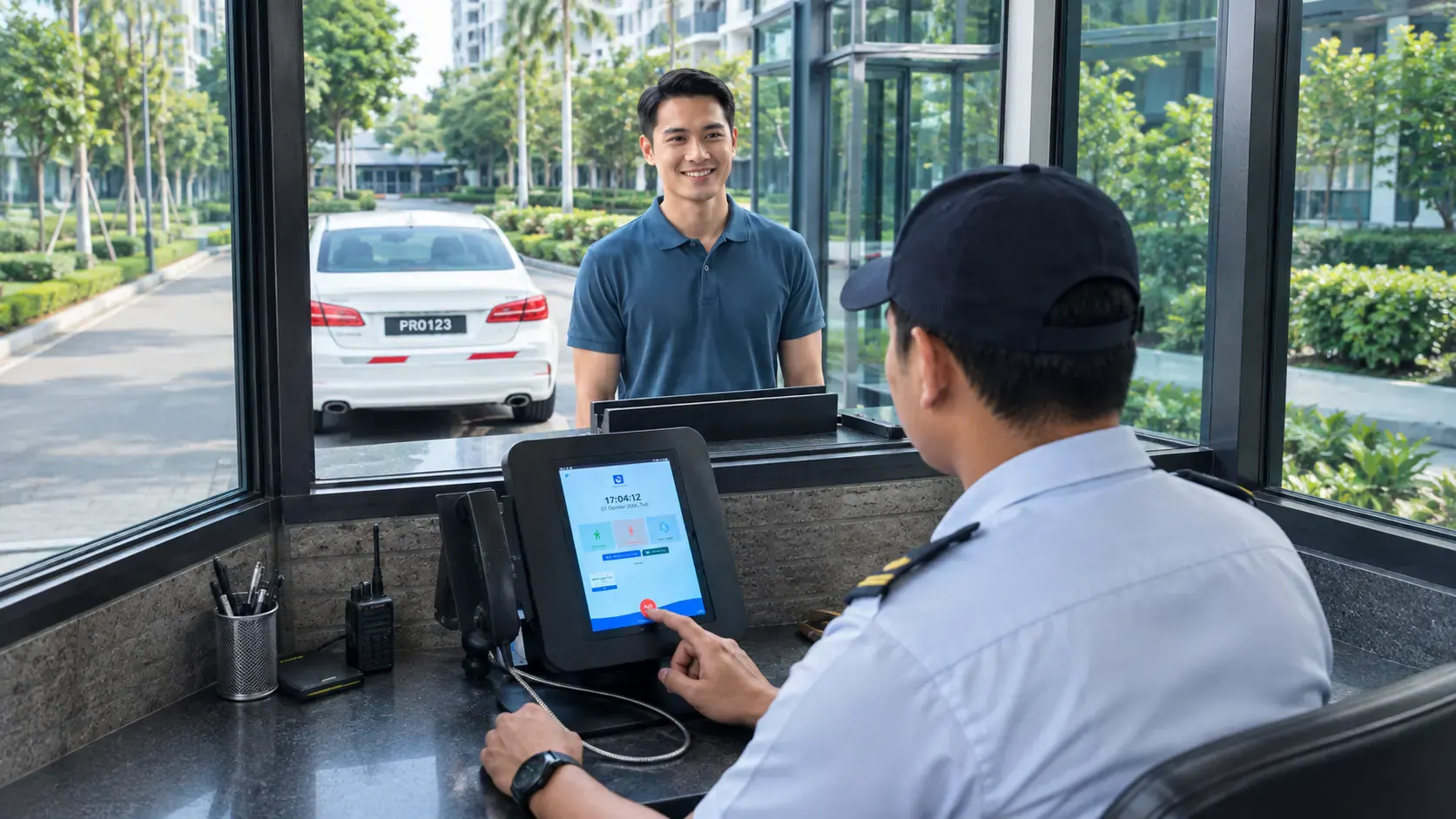
Preregistration and verification give residents and security a shared reference point for every expected visit.
- Visitor
- Hafiz Rahman
- Visiting
- No. 18 · Jalan Harmoni
- Vehicle
- PRO 123
Awaiting guardhouse verification
- 01BEFORE THE VISIT
A resident preregisters a guest.
Visitor details are entered ahead of the visit, from the app residents already use for community updates.
- 02AT THE GUARDHOUSE
Security verifies the arrival.
Guardhouse staff check the presented details against the preregistration before letting the visitor through.
Preregistration provides the details. Your security personnel still decide whether to allow entry.
COMMUNITY LIFE
Updates and amenities,
in the same app.
Beyond the gate, residents use the same app to stay informed and to book the shared facilities your community offers.
Community updates
Notices published for residents to read in the app.
Shared-facility booking
Reservations for the amenities your community offers.
A little heads-up
for the neighbourhood.
Shared gardens · Saturday morning
Please keep the garden paths clear while work is underway.A place for your plans.
Community hall · Saturday, 2–4 pm
Illustrative reservationGATE EQUIPMENT
Devices chosen
for your entrances.
VMS terminals and boom gates are the two categories most gated communities start with, selected around your site's lanes and layout.
 AT THE GUARDHOUSE
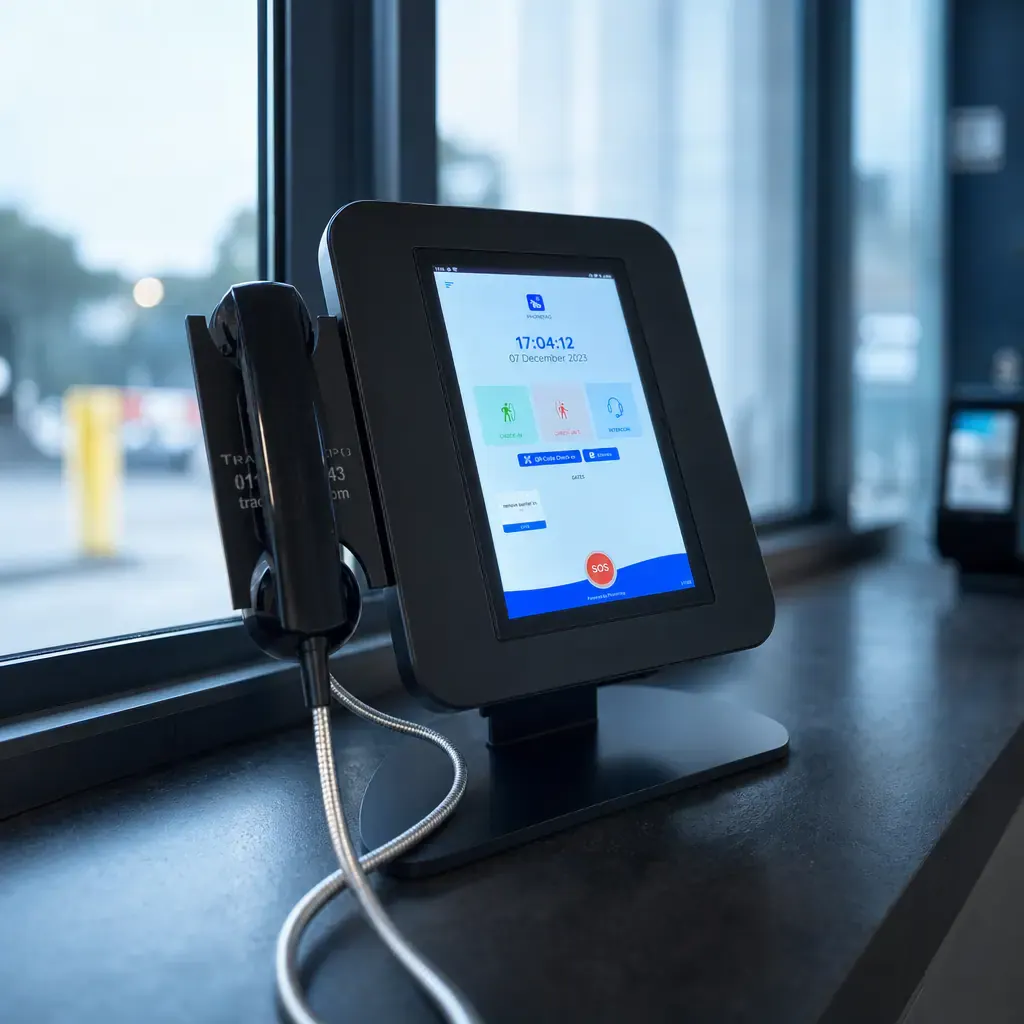
Visitor management terminals.
Dedicated terminals for the guardhouse workflow, chosen for your site's requirements.
Explore equipment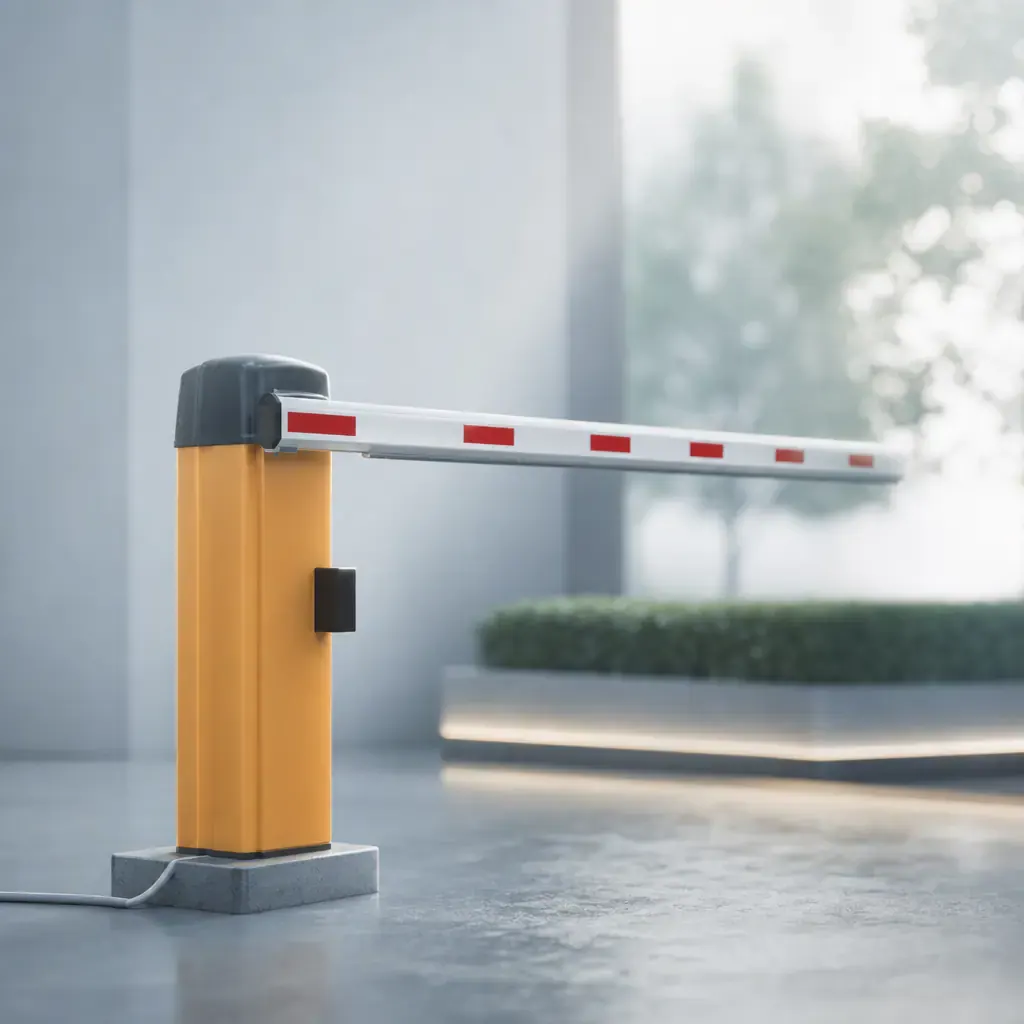 AT THE VEHICLE LANE
Boom gates.
Equipment for vehicle entry and exit lanes, sized to your gate layout.
Explore equipmentEquipment selection and compatibility are assessed for your site's layout and existing systems.
Support keeps it going.Illustrative installation scene
INSTALLATION & MAINTENANCE
Fitted, supported,
kept running.
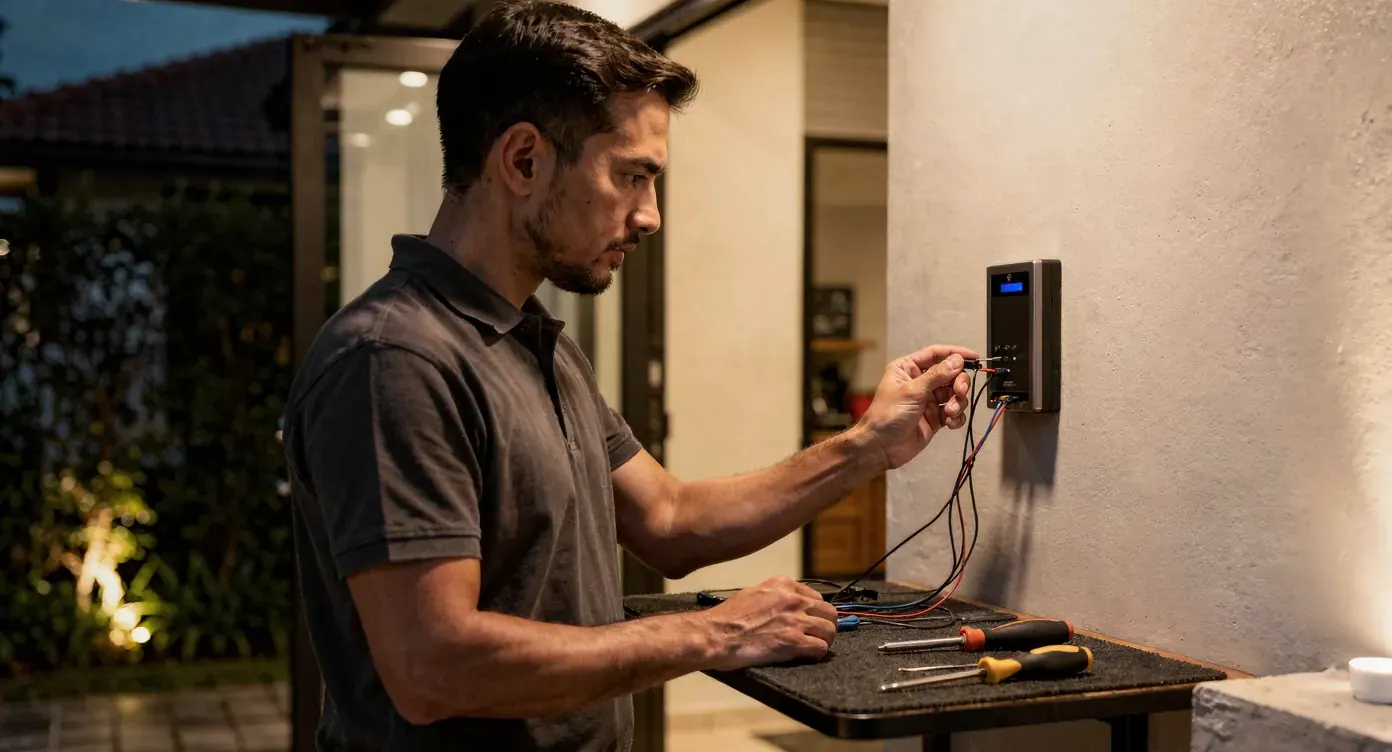
Our team handles installation and ongoing maintenance for the equipment we supply, and can assess systems you already have in place.
Installation, planned around your site.
Installation scheduled and carried out by our team.
Support beyond the fitting.
Ongoing maintenance agreed as part of your service terms.
A review of what you already have.
Existing systems reviewed through an integration assessment.
A SCOPING CHECKLIST
Tell us about
your entrances.
These are the details our team will ask about — bring what you can to your first conversation.
- 01
How many vehicle and pedestrian lanes your entrance has.
- 02
How your guardhouse currently handles a visitor.
- 03
What access equipment, if any, is already installed.
- 04
The connectivity available at each guardhouse or entry point.
Does installing the app make our entrances secure?
No single app or device guarantees a security outcome. PropKita supports resident preregistration and guardhouse verification as part of your community's overall security arrangements, which remain your responsibility and your guard team's.
Do residents get let in automatically once they preregister?
No. Preregistration gives your guardhouse team the details to verify an arrival — the decision to allow entry is still made at the gate by your security personnel.
Can we use our existing boom gates or terminals?
Integration is assessed on request. Share details of your existing equipment and the workflow you want to support so our team can review compatibility and the work involved.
How long does installation take?
It depends on your number of lanes, existing wiring and equipment selection. Our team can give you a clearer timeline once your site has been assessed.
Can we start with software and add hardware later?
Yes. Software and gate equipment can be scoped and arranged separately, so you can start with whichever your community needs first.

LET'S TALK ABOUT YOUR ENTRANCES
Your community.
A clearer way through the gate.
Tell us about your community and its entrances. We'll walk you through the relevant software and equipment.