
FACIAL RECOGNITION ACCESS
A familiar face.
A smarter entrance.
Make facial recognition part of your property’s everyday welcome. We help you plan the right device, placement and enrolment approach for the people who use your entrance.
- Site-matched hardware
- Enrolment planning
- Installation support
THE RIGHT FIT STARTS HERE
Every entrance is different.
Let’s start with yours.
A good access experience starts with the space around the device. We review four things before recommending equipment.
One entrance. A complete site assessment.
- 01
The entrance
Indoor lobby or covered walkway? We start with the placement and exposure to weather.
- 02
The surroundings
Lighting, foot traffic and mounting surfaces all shape the device recommendation.
- 03
The people
Residents, staff or visitors: who needs access, and how many people need to be enrolled?
- 04
The day-to-day
Agree who manages enrolment, permissions and alternative access once the device is live.
FROM ENROLMENT TO ENTRY
A simple arrival.
A considered process.
The exact workflow depends on your device and configuration. Here’s the general concept.
Enrol the person.
Register a resident or staff member using the enrolment process supported by your selected device and access system.
Verify at the device.
At the entrance, the device checks the person against enrolled records to decide whether to grant access.
Keep another way in.
If a face cannot be verified, use a supported alternative. The fallback method is confirmed for your particular setup.
HARDWARE THAT FITS YOUR PROPERTY
The right model.
For your front door.
Your entrance sets the brief. We confirm available models and explain their differences against your placement, users and existing access setup.
- 01Recommended equipment
Specific models and relevant differences
- 02Site requirements
Power, network and mounting needs
- 03Delivery & support
Installation, handover and agreed maintenance
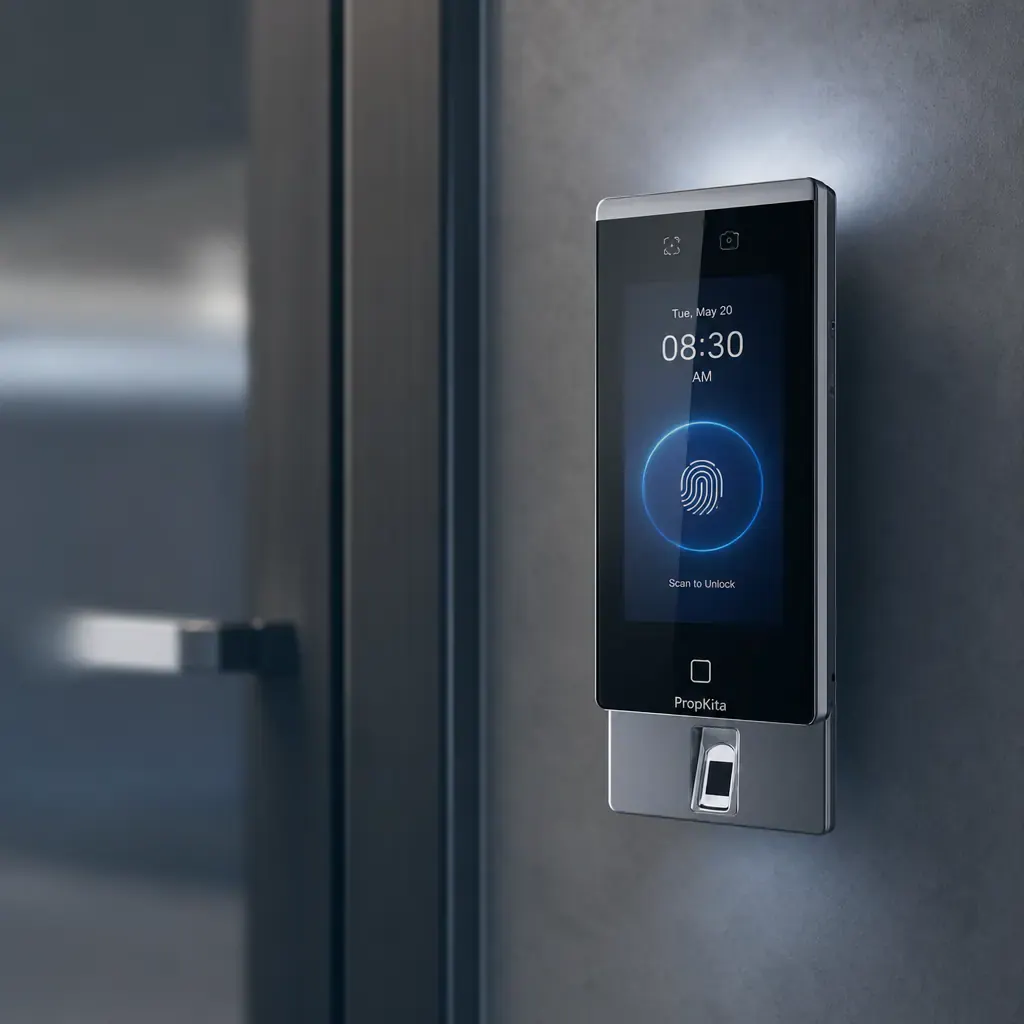
Hardware chosen
around your entrance.
SO WE CAN QUOTE PROPERLY
What we need to know
about the site itself.
Sharing these details early helps us confirm what's actually required for your entry point, rather than guessing.
- 01
Power
Available power at or near the intended mounting point.
- 02
Network
Connectivity available at the device’s location.
- 03
Mounting
The surface and structure the device will be fixed to.
- 04
Existing access
Details of the access controller already in place.
Exact requirements are confirmed against the model selected for your site.
FROM SITE VISIT TO HANDOVER
Installed, commissioned
and kept working.
Installation, commissioning and ongoing maintenance are handled by our team as part of the agreed project scope, alongside the equipment itself.
- 01
Site review against the equipment proposed.
- 02
Installation and commissioning by our team.
- 03
Handover and agreed ongoing maintenance.
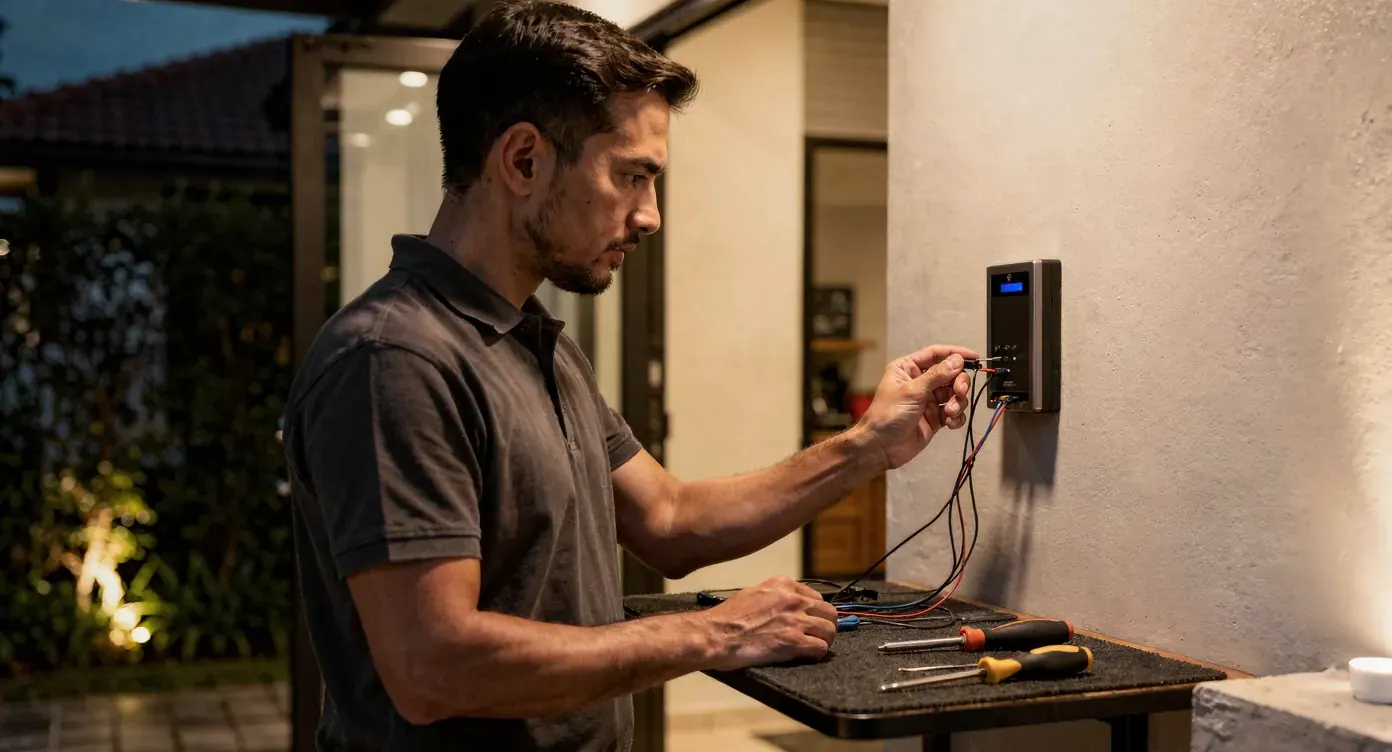
A supported entrance.
How facial data is handled
Data handling for facial recognition depends on the device and configuration deployed at your site. Our Data & security page explains PropKita's general approach to access and data — for specifics relevant to biometric information at your property, raise it during scoping.
A LITTLE MORE CLARITY
Good questions.
Clear next steps.
Have an existing access controller to connect?
Which facial recognition model is right for our entry point?
That depends on your placement, environment and user needs. We review these details with you and confirm the models and their differences relevant to your project before quoting.
How does enrolment actually work for our residents or staff?
Enrolment follows the process supported by the model selected for your site. Ownership of enrolment (your team, ours, or a combination) is agreed as part of scoping.
What happens if someone isn't recognised at the device?
Supported alternative access methods depend on the device and how your site is configured. We'll confirm what's available for your setup during the assessment.
How is facial data stored and protected?
Data handling depends on the device and configuration deployed at your site. See our Data & security page for how PropKita approaches access and data generally, and raise specific questions during scoping.
Can this connect to our existing access controller?
It's assessed case by case. Share your current controller details through an integration request and our team will review compatibility.

READY TO PLAN YOUR ENTRY POINT?
Tell us about the entrance
you want to control.
Share your placement, environment and user needs, and we'll confirm the equipment options relevant to your project.